The video call freezes when you walk into the kitchen. The TV in the bedroom buffers. The backyard has no signal at all. If that sounds like your house, the problem probably isn't your internet plan. It's how the Wi-Fi gets from the router to the rooms where you use it.
Here's why home Wi-Fi drops out and how we fix it with a hardwired UniFi network.
Why the router alone can't reach
A single router sends its signal out from one spot. Every wall, floor, fireplace and cabinet between you and that router weakens the signal. Depending on where the router sits and what your walls are made of, such as plaster, stone or concrete, the signal can fade before it reaches the far rooms, the garage or the yard.
Adding mesh units or plug-in extenders can help, but each one passes the signal along wirelessly, and the connection gets weaker with every hop.
How a hardwired UniFi network is different
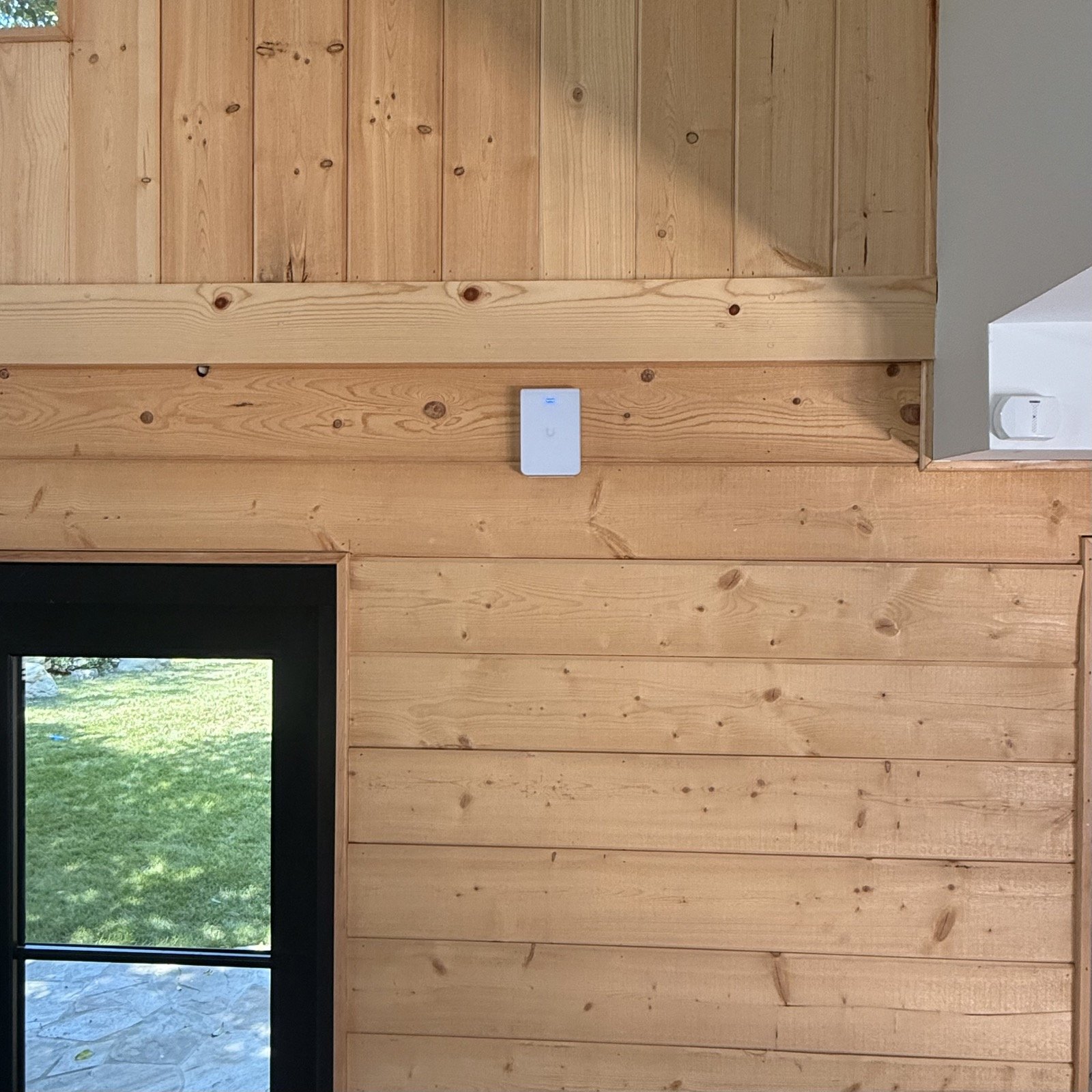
We install a complete UniFi system: a UniFi gateway, network switches and ceiling, wall and outdoor access points, all managed from one app.
The key difference is the cable. Every access point is hardwired on its own Cat6 run back to the network rack, so your Wi-Fi doesn't depend on wireless hops. Each room gets a strong signal from a nearby access point, and your phone or laptop moves from one to the next as you walk through the house.
Designed around your home
Before we install anything, we look at the size, construction and layout of your home and how you use each space: the home office, the family room, the bedrooms, the garage and the backyard. Then we place each access point where it will cover those spaces.
We also set up:
A separate network for smart home devices, so lights, speakers and thermostats stay on their own network
Secure guest access, so visitors get online without reaching your main network
Priority for what matters, such as video calls and streaming
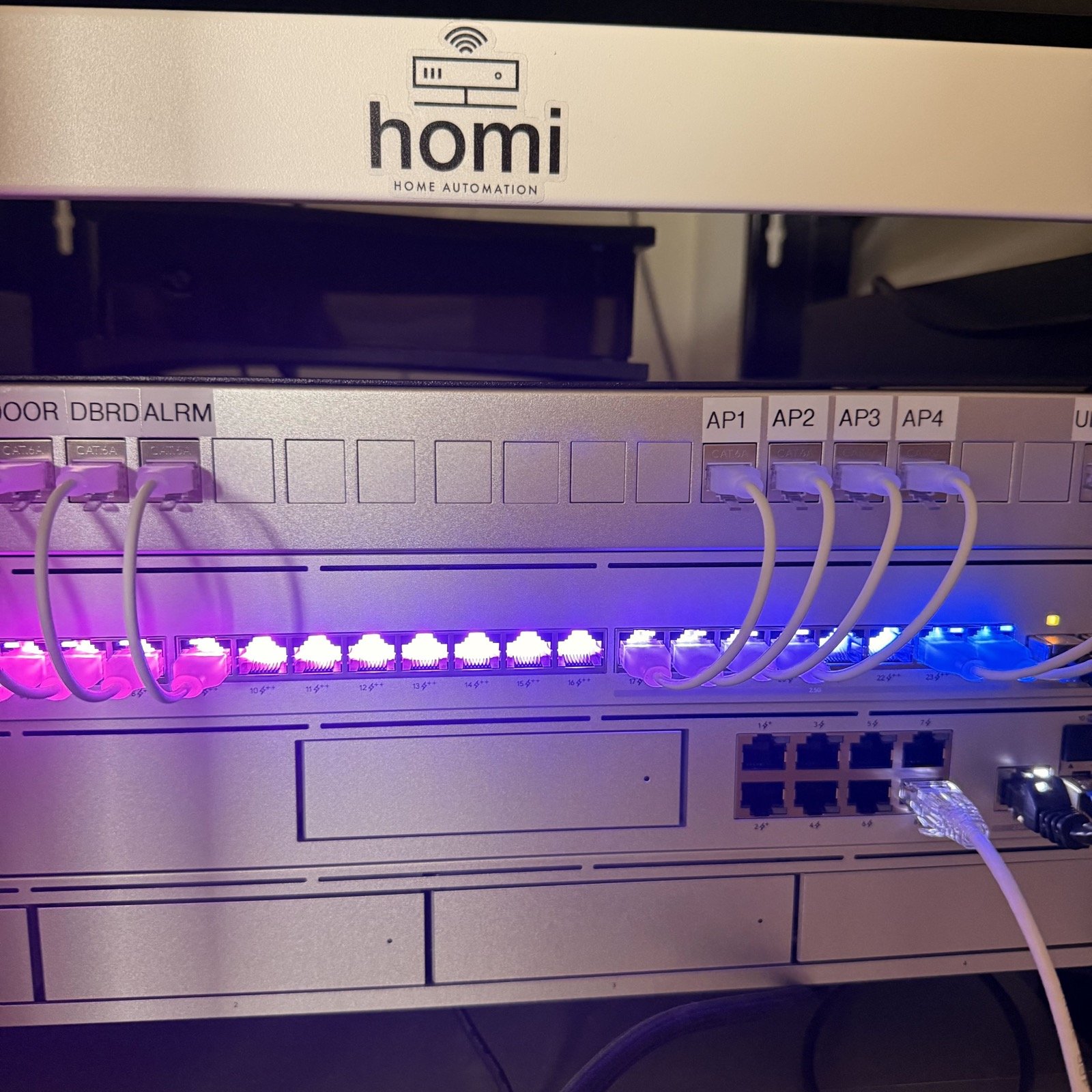
One labeled rack
All of the equipment lives in one clean, labeled network rack, out of sight in a closet or utility room. Each cable is labeled by the room or access point it serves, so the system is easy to service and easy to expand.
A network ready for cameras
The same UniFi network can power security cameras over a single Cat6 cable and record video locally on your own UniFi recorder, so there are no monthly camera subscription fees. Your Wi-Fi, cameras and doorbell all live on one system you own.
Building or remodeling?
If your walls are open, it's the best time to run Cat6 to every access point, TV and camera location. Here's what to plan in our smart home pre-wire guide. In a finished home, we route new cable as cleanly as the house allows.
Get Wi-Fi in every room
Homi Home Automation is based in Sherman Oaks and designs and installs Wi-Fi and networking systems across the San Fernando Valley and the Westside. We'll walk your home, find the dead zones and give you a plan to fix them.
Book a free consultation or call (818) 245-5201.